Pages


TECHNOLOGIS INFO

Technology Solutions, technologisinfo provides users with Mobile, Computer ,application and PC software.


TECHNOLOGIS INFO

Technology Solutions, technologisinfo provides users with Mobile, Computer ,application and PC software.


TECHNOLOGIS INFO

Technology Solutions, technologisinfo provides users with Mobile, Computer ,application and PC software.


TECHNOLOGIS INFO

Technology Solutions, technologisinfo provides users with Mobile, Computer ,application and PC software.

Friday, March 31, 2017

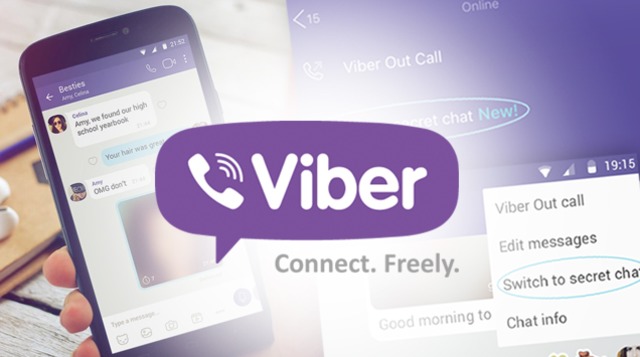
How To Use 'Secret Chats' now live on Viber

What are secret chats?

Secret Chats give you more privacy than ever. You control how long messages are visible and they can't be forwarded. Secret chats, like all Viber communications, are protected by end-to-end encryption.

All you need in order to start a secret 1-on-1 or group chat is tap on New secret chat, set the time limit and send messages knowing that when the timer ends, your chat will disappear!

SECRET CHAT. Viber rolls out vanishing messages on its platform.


How to start a secret chat (1st upload viber new version)


1.  Open your Chats screen
2.  Tap the button to compose a new chat
3.  Select the New secret chat button at the top


4.  Add up to 199 contacts to your new secret chat
5.  Tap Done
6.  A new secret chat will open
7.  Tap the timer


8.  Set the time-limit


What does the time limit mean?


Once the time limit you set runs out messages sent in the chat will disappear entirely. This means no trace will be left on your phone or any recipient's phone.

The timer only starts once the recipient opens the chat. After the chat has been opened the timer will start to run. If a video is sent the recipient has until the timer runs out to open and start playing the video. Once the recipient opens and begins playing the video, the full length of the video can be watched.


Change an existing chat to a secret chat


You can start a secret chat from any open 1-on-1 or group. When you make this chat into a secret chat a new conversation will start, so it will not delete your chat history. The two chats will remain separate

1.  Open an existing chat 
2.  Tap the more options button


3.  Choose: Open secret chat


     4.  A new secret chat will open
5.  Tap the timer


6.  Set the time-limit


OR

1.  Open Chat Info & Settings
2.  Select Open secret chat


3.  A new secret chat will open
4.  Tap the timer


5.  Set the time-limit


Secret chats in the chats screen


Secret chats are marked with a lock icon. No message content is shown on the chat screen.


How to Use Whatsapp Account in the United States without your resident

How to Create Whatsapp Account with U.S. Number (Latest 100%  Working Easy Full Guide Method)

Step.1
  • Firstly Download and Install Primo App in your Android Phone from Below Key
  •                                       
    (https://play.google.com/store/apps/details?id=com.primo.mobile.android.app)
  • After Download Simply Install & Open this app and Complete Sign Up Process and verify it with your real mobile number once Via OTP Code.
  • create whatsapp account without phone
    • After the verification of your number, Simply Click to Top Left Corner of this app and you will see on new U.S Number there as seen in below screen shot simply note it down.
    how to use whatsapp with fake number
    • After Note your Mobile Number For Whatsapp Accounts, Then Simply Open Whatsapp from your device you want to Use your U.S Phone Number for Create an Account in Whatsapp
    • After that you have to Enter Number in Whatsapp which you got from primo app which you noted down earlier, and now click on Continue.
    whatsapp account with us fake number
    • Now Wait for few second and click on Call me Option for whatsapp call me verification methods and you will get a call in your primo app.
    fake whatsapp account with us number
    • After that simply Pickup the call and Whatsapp BOT will speak your verification code, Note it down and after that enter it in Whatsapp.
    • yeah..! You’re done, now you have successfully signed up in your whatsapp with fake US Number and now you can Enjoy whatsapp Anonymously with US number.
    fake whatsapp account
    NOTE: Please don’t use this usa number for any illegal purpose like blackmailing someone, if you do so then you might be in big risk, so Use this number for regular usage and your privacy only for create Whatsapp with USA Country number.

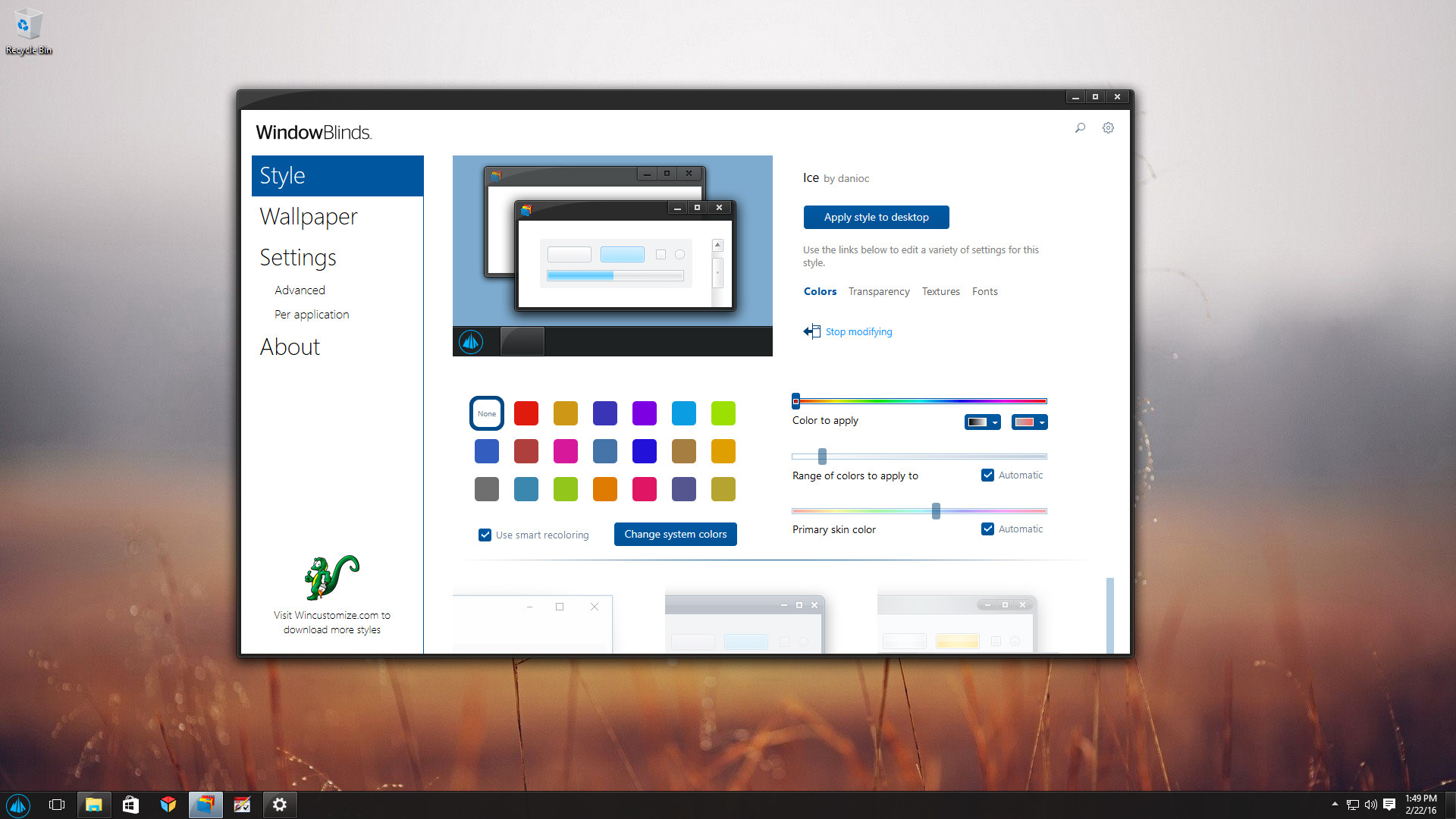
Window Blinds v10.6 update includes Creators Update support, high DPI improvements, and more


Window Blinds is known for seamlessly applying skins to Microsoft Windows. Now, as the Creators update draws near, WindowBlinds is ready.
In addition to compatibility updates for the Creators update, WindowBlinds 10.6 also has performance improvements that will enhance window resizing on lower-end PCs and PCs with high DPI.
WindowBlinds 10.6 includes compatibility fixes which build upon the enhancements from 10.5 to include:
  • Mixed mode DPI - Skins scale up to look great
  • Apply skins to Universal applications
  • Blur the area behind skinned areas - Check out the Modern skin!
  • Skin OS ribbon controls and blend in better with title bars
  • Completely hide the Windows Explorer ribbon
  • Match the system accent color to the applied skin
  • SkinStudio update - Support for high-DPI skin files


Window Blinds is available now for just $9.99 and is free for Object Desktop users. For more info, screenshots and support, see the release announcement at Stardock.

Top 5 Video Downloading Apps in 2016 and downloader link


Who does not want a great app through which one can download and stream videos of their choice? Well, no worries people because today we have compiled a list of the top 5 video downloading apps in 2016 for you.


  1. Vidmate App:(http://vidmate.en.uptodown.com/android) The first app featuring in our list is the Vidmate app. The app performs pretty great on smart-phones. The interface is really easy to understand and it features a wide range of contents. In addition to videos, you can also download mp3 format files from the app. The app also sports a dedicated bookmarks bar and it also allows you to share your content over a number of platforms like Facebook and WhatsApp. One of the many fascinating things about this app is you’ll have to encounter almost no ads during the course of your usage of the Vidmate So, in short this app is highly recommended and we cannot emphasize it enough.

  1. FVD-FreeVideoDownloader:(http://fvd-free-video-downloader.en.uptodown.com/android) A simple-to-use website with a friendly UI, this app is great for those who are not very tech-savvy kind. It comes with an in-built web browser to provide you with hassle free browsing without much ado. The app allows you to download multiple files at a time and facilitates you to check the downloading speed and other details. One major drawback, however, is you cannot download YouTube videos using this app.

  1. TubeVideoMate:(http://tube-video-downloader.en.uptodown.com/android) This app performs really well on android platforms. The content is available in a varied range of formats ranging from HD to MP4. Completely free to use, the performance of this app won’t disappoint you for sure. The download speed is pretty good and you don’t have to struggle too much to understand how the app works, mainly because of the pretty simplified user interface....................

  1. TubeMate:(http://tubemate-youtube-downloader.en.uptodown.com/android) Do not confuse this with the above one because it has a significant feature different from the above one and that is you can download YouTube videos too using this app on your android device. Same as the above ones, the app is easy to use and supports multiple video formats. You can easily resume paused or broken downloads and the downloading speed is pretty satisfactory especially when the internet speed is good.

  1. Fastest Video Downloader:(http://fastest-video-downloader.en.uptodown.com/android) Another in the list of good video downloaders, this app works pretty well and stands by its name. It may not be the fastest but it sure is fast. It features an integrated web browser and the UI is friendly and easy to pick up. It also sports a file manager feature where you can easily browse through your downloaded content. It supports a good range of websites; however YouTube downloading is not supported.

Thursday, March 30, 2017

The Galaxy S8 will be Samsung's biggest test ever

You know what's coming tomorrow, you've known and waited for it for months now. Samsung's 2017 flagship smartphone, the Galaxy S8, will be officially announced, and one of the most critical periods in the company's history will begin.
The phone Samsung launches on Wednesday will carry greater expectations and have to prove a lot more than usual. Even as the world's biggest smartphone maker, Samsung's mobile credibility was deeply shaken by the Galaxy Note 7 snafu, so it now needs to reassert its reliability while also rebooting its technological advantage. Here's a rundown of the biggest challenges facing Samsung as it prepares to take the wraps off the Galaxy S8.

The battery
Of course. The bad jokes about "explosive Samsung news" haven't subsided even now, half a year after the Note 7 was recalled. The first thing everyone wants to see from Samsung is a phone they can trust won't spontaneously combust in their pocket or hands. That may seem like a low threshold for Samsung to pass, but the company will have to do it with zero tolerance for failure. Practically every smartphone in history has had examples of overheating batteries, but most are treated as isolated events and freak accidents — except in Samsung's case, even one malfunctioning Galaxy S8 battery would result in a deluge of negative press.

The optimistic way to look at things? If Samsung does the right thing, the new Galaxy S8 devices will have the most robust and durable batteries we've ever seen in a smartphone.
There is, however, another aspect of the battery that will be a cause of intrigue with the S8. Per the latest leak over at WinFuture, the smaller S8 is set to have a 5.8-inch display paired with a 3,000mAh battery. That's 0.7 inches more screen than the 2016 Galaxy S7 model, but the same battery capacity. Samsung got itself in trouble by trying to force the biggest possible battery inside the Note 7, but will it fall behind in the endurance stakes with the more conservative combination it has in its latest phones?

The home button's demise and the screen's elongation
Every leaked image of the Galaxy S8 shows it dumping Samsung's signature home button in favor of an entirely software-based interface and the smallest screen bezels in Samsung's history. What's lost with that physical home button is not only a familiar and tactile method for returning to the starting screen; it also housed Samsung's fingerprint sensor, which is being relegated to an off-center position on the rear of the phone. Will we all successfully adapt to that change? Probably. But it's another question mark around Samsung's new release — using this phone will not be an instantly comfortable experience for longtime Galaxy users.
The other aspect of Samsung's big change up front is the extension of the display itself. It's shaping up to have teeny-tiny bezels at the top and bottom and an aspect ratio of 18.5:9. Even more elongated than the LG G6's simpler 2:1, this display will have to show itself at least as useful as the more traditional 16:9 ones. We don't yet have a good idea of how the Android interface will scale to such a peculiar shape, and we don't know how well Samsung has optimized its software to make use of the extra space. Will the new display be beautiful and futuristic to behold? Absolutely. But will it work well in daily practice? That will be one of the things Samsung's Galaxy S8 will have to prove.

The camera
If you want to know the catalyst of Samsung's ascent to being considered on the same plane as Apple's iPhone, it was a combination of improved design and having the best camera. Over the course of multiple generations, Samsung separated itself from the rest of the Android competitive field, outdoing rivals like HTC, LG, and Sony with the best optics and image processing available outside the iOS stable. Both the Galaxy S6 and S7 could make legitimate claims to being even better than the corresponding iPhone of their time. But times have changed now, and today's best mobile camera can be found on Google's own-brand Pixel smartphone. Samsung will want to reclaim its imaging crown.
With the derailment of Samsung's plans caused by the Galaxy Note 7 battery issues last fall, much of the company's reputation now sits in disrepair. If the Note 7 had been the success it initially seemed like it would be, Samsung could take it easy today, reissue much of the same hardware, and be content that it's keeping momentum going. But momentum is exactly what Samsung lacks, and the quickest way to build it back up is by having the most impressive cameraphone on the market again.


Everything else
Samsung Galaxy S8
Beyond the three crucial hardware components of the battery, display, and camera, Samsung will also try to establish unique selling points for the Galaxy S8 with its new Bixby voice assistant and anticipated DeX desktop functionality. Software is traditionally Samsung's weak point, so these new ventures will have to overcome years of mediocre S Voice and TouchWiz history to wow new users. But Samsung is a company with deep resources and renewed determination, and its past misfires aren't a reason to write off its latest initiatives.

Samsung's plans for Bixby and DeX extend beyond just the phone, which highlights another important consideration with the Galaxy S8: its halo effect. Flagship phones are known as such because of their outsize influence on the sales of other devices from the same company. Many people who might aspire to own the top-tier Galaxy S8 will likely end up with a midrange Samsung A series handset that's more suited to their budget. But that aspiration and the concordant expectation of high quality both need to be built up in consumers' minds first. More than anything else, it is that trust for reliable quality that Samsung lost when it suffered its Galaxy Note 7 calamity.
The Galaxy S8 represents Samsung's biggest test to date, but as with every challenge, that also gives the company its biggest opportunity. Conscious of the need to have an unequivocal success with which to erase the bad memory of the Note 7, Samsung will push its engineering teams to their absolute limits (but not beyond, because, well, that's how we got the Note 7 in the first place). What it means for us, as consumers of technology, is that we'll get a company with zero complacency and an overwhelming imperative to present a cutting-edge product with totally assured reliability. If that doesn't sound like an enticing proposition, I don't know what is.






How to Create verified facebook account without your email in one minute

Make Fack FB Account in 1 Min Without Mobile and email

Facebook is most popular Social Networking Website in world. Facebook signup process is most secure now those days. You need one mobile number or email for create user account on Facebook Website. 

I give you a trick  awesome guyz because you don't need any email and mobile number for facebook sign up process.

                  Step 1
Open 10minutemail on u a browser.click tha link {https://www.10minutemail.co.uk/} (One email works only 10 minutes)


                  Step 2

Open facebook. Create a new account. then fill up the detiles and copy tha 10 minits email and past in email sectionthen then Click on create account.


Skip This step


    Step 3
    your account will we created on facebook.

                Step 4
    confirm your emaile go to tha 10minutemail.co.uk  tab on u a browsaerand refresh tha page


                                                    Get it u a cod  coppy tha cod
                Step 5
Then go to tha facebook page past u a verified cod


Now successfully created on facebook  fake facebook account without and email and Number


Share Post